Resource center

Know the lock.
Plan the installation.

Explore smart-access basics, prepare your doors and find the right questions to ask before ordering.

Explore the guides
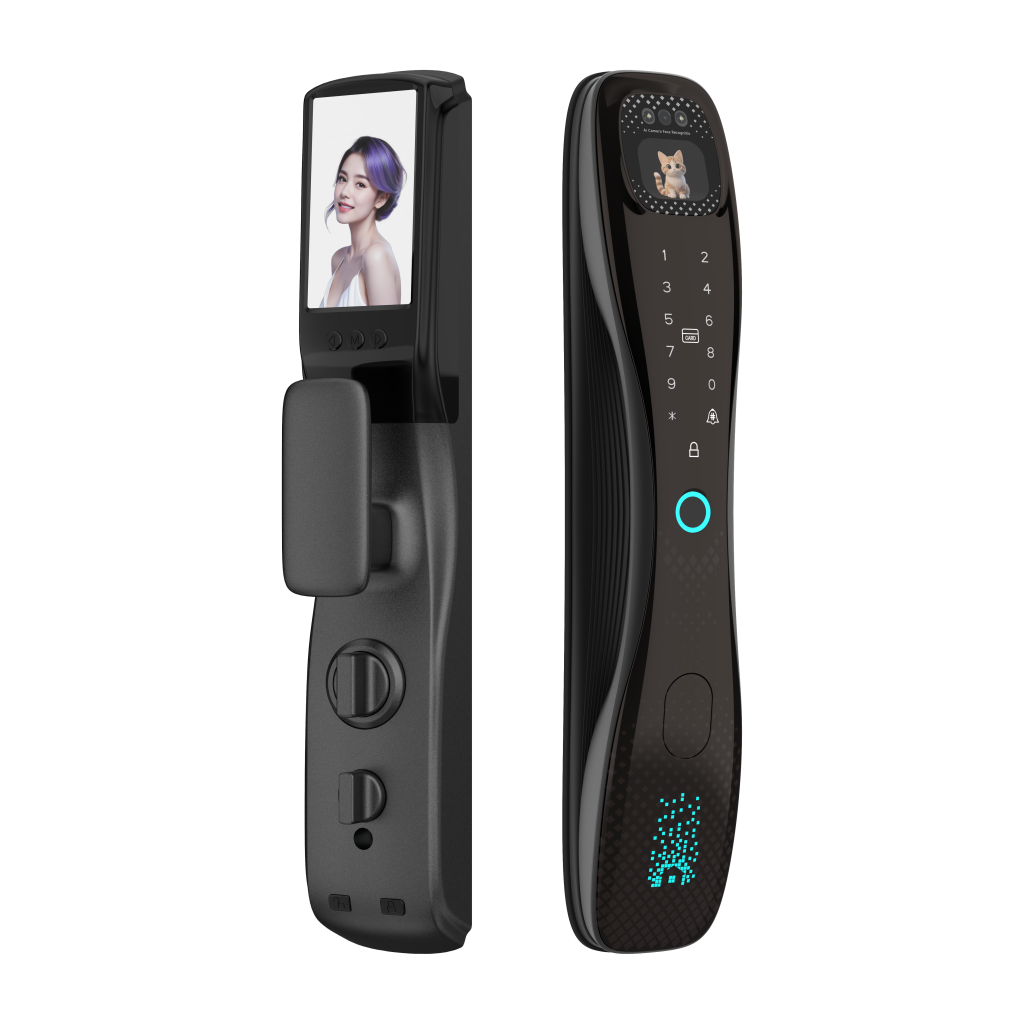
Everyday access, considered. i7Ai smart lock front and rear panels
FingerprintCardApp

Access options depend on the selected configuration.

Start here

Two short guides.
A clearer choice.

Expand a guide to read more.

01 / Smart-lock basics

What is a smart lock?

An introduction to keyless entry, connected functions and visitor permissions.

Read the smart-lock guide

A smart lock adds electronic access methods to a door lock. Depending on the model, users can unlock with a fingerprint, PIN, RFID card or mobile app. Choose methods that suit the users and the property.

On compatible connected models, an app can provide remote functions and let users check lock status. Confirm the supported app, network requirements and any gateway or accessory needed for the selected configuration.

Temporary PINs or app permissions can help an owner admit a visitor without handing over a physical key. Available permission types and expiry settings depend on the model.

Compare product configurations
02 / Everyday access

Choose for daily life.

Connect the product choice to residents, visitors and everyday routines.

Read the everyday-access guide

Door locks have long helped control access to homes. Electronic unlocking offers more ways to enter and reduces the need to handle a mechanical key for every visit.

Start with the daily routine: who uses the door, which access methods suit them and how visitors will be admitted. For a residential project or distribution range, these questions help narrow the configuration before samples are ordered.

Then check the physical fit and installation plan. Convenient features work best when the lock, door and selected accessories are matched together.

Use the door-fit checklist

Installation preparation

Four checks before handover.

Use the fitting instructions for the exact model and lock body.

  1. 01

    Confirm the door

    Check door thickness, opening direction, existing holes and the lock-body drawing before fitting.

  2. 02

    Prepare the parts

    Check panels, pads, mounting parts and connections against the model’s packing list and instructions.

  3. 03

    Check alignment

    The installer should confirm shaft length, component alignment and cable routing before final tightening.

  4. 04

    Test & explain

    Test locking and unlocking with the door open first. Complete setup and explain the supplied operating instructions.

Dimensions and fitting sequences vary by model. Share door photos and measurements when requesting the matching guide.

Setup & operation

Prepare the access experience.

Users & credentials

Plan administrator access and the credentials needed by each user. Follow the model’s instructions for registration and removal.

Door & lock settings

Check the settings supplied with the selected configuration, such as opening direction, locking behavior and alerts.

App & visitor access

For a connected version, confirm the app and network requirements. Test the available remote functions and temporary permissions.

Instructions for your model

Request the matching guide.

Include the model name or label, door type and the installation or setup question in your enquiry.

Request model instructions